Product update
AI Task Validation: Making Workflows Actionable and Trustworthy
Sharkforce’s AI checks submitted proof like photos and files, instantly confirming tasks are done right and making your workflows faster and more reliable.
Written by
Sharkforce Team
Published on
Jan 3, 2026
AI Task Validation: Turn “Task Completed” into “Task Verified”
Task management tools are great at assigning work. The real challenge is proving that work was actually done, and done right.
Across office teams, remote employees, and field operations, managers keep asking the same questions:
Did the task really happen, or did someone just click “complete”?
Is this report, screenshot, or file actually good enough?
Are we really compliant, or just hoping we are?
AI task validation in Sharkforce closes this gap. It doesn’t just track tasks; it verifies the proof of work behind every task, so you can trust what your dashboards say.
What is AI Task Validation?
AI task validation is the missing layer between “Task Assigned” and “Task Approved.”
Instead of simply checking that someone uploaded “something,” Sharkforce’s AI:
Analyzes what was submitted (photos, PDFs, Excel, reports, forms)
Compares it against your rules, SOPs, and standards
Instantly determines whether the task is truly done, partially done, or not acceptable
This works across your entire workforce:
Desk & office teams submitting reports, checklists, contracts, and documents
Remote employees delivering project work, client updates, or digital assets
Field staff capturing photos, inspection proofs, or on-site checklists
Same platform. Same logic. Different workflows.
AI Task Validation solves this.
Our system reviews submissions from photos and PDFs to Excel files and any other format and automatically verifies completion with the strictness you require.
The Hidden Cost of Unverified Work
Most companies rely on a mix of manual reviews, trust, and “tick the box” workflows.
That leads to:
Fake completion: Tasks marked “done” with low-quality or missing proof
Compliance risk: Incomplete documentation that only shows up as a problem during audits or incidents
Manager overload: Leaders acting as human validation engines, opening files, checking screenshots, reviewing documents all day
Slow decisions: Work stalls while someone “reviews” yet another report or attachment
You already invested in workflow automation and task tools. Without validation, they only tell you that something was submitted, not whether it was done correctly.
How Sharkforce AI Validates Tasks (Across Any Team)
Sharkforce embeds intelligent verification directly into how your workflows run, acting as the system where tasks are created, executed, and validated end to end.
1. Smart Input Recognition
Employees can submit proof in whatever format matches the task, from photos to documents, spreadsheets, forms, and structured data. This includes and not limited to:
Media: photos and gallery uploads.
Documents: PDFs, Word files, slide decks, scanned forms, and signed contracts.
Data files: Excel, Sheets, CSV exports, and system-generated reports.
Text & forms: structured forms, free-text reports, client notes, and QA checklists.
System signals: check-ins, timestamps, location data, and other workflow events.
Sharkforce’s AI recognizes the type of input and runs the right validation logic for each.
2. Photo & Media Validation
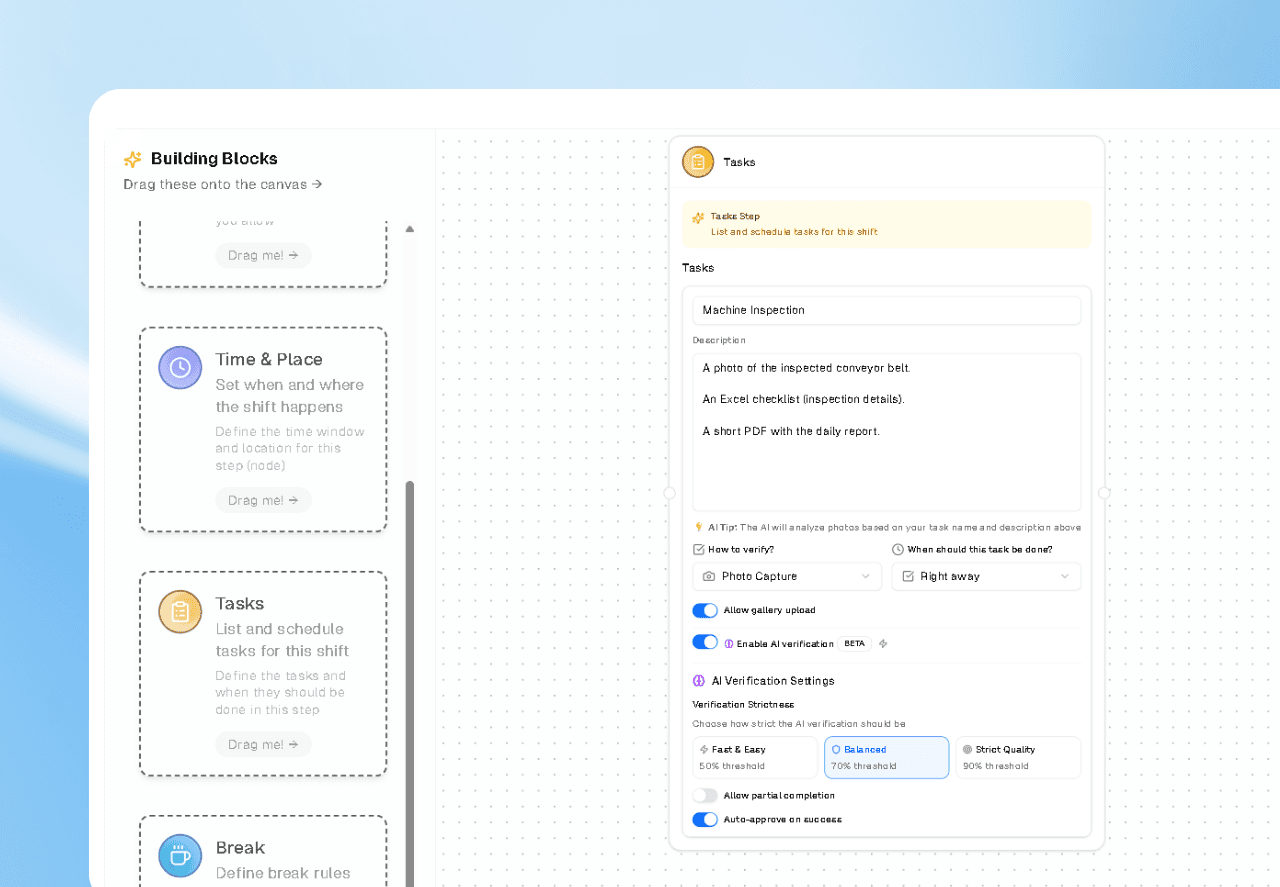
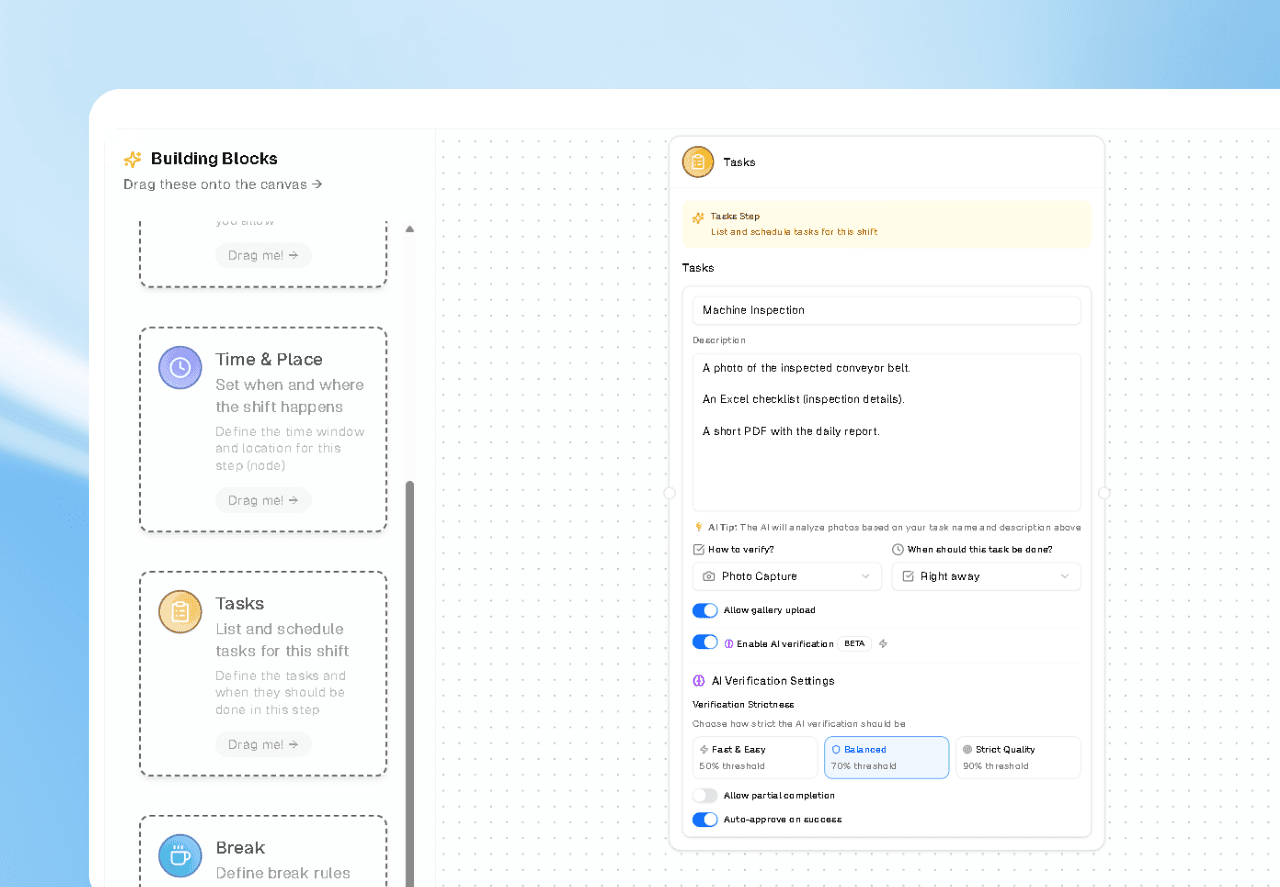
For visual tasks, whether it’s a site photo, store display, equipment, or a whiteboard snapshot, AI analyzes the actual content of the image:
Is the required object or area visible?
Are safety or quality conditions clearly met?
Are specific elements or tags present where they should be?
This is not just “image attached = pass.” It’s content-aware verification, mapped to your rules.
3. Document & Data Validation
For desk and remote employees, most proof lives in documents and data:
AI checks Excel for required columns, filled rows, ranges, totals, or formats
PDFs and documents are scanned for required sections, fields, signatures, or disclaimers
Forms and text inputs are validated for completeness and structure
You define the rules; Sharkforce enforces them automatically.
4. Configurable Strictness Levels
Not every task should be treated the same way. In Sharkforce you can set verification strictness per workflow:
Fast & Easy: Light checks for low-risk, high-volume tasks (e.g., daily standup notes, minor updates)
Balanced: Strong validation for operational tasks (e.g., reports, checklists, internal reviews)
Strict Quality: Maximum rigor for high-risk or compliance-critical workflows (e.g., safety inspections, regulatory docs, financial controls)
This lets you align validation effort with business risk, not treat every task as equal.
5. Partial Completion & Actionable Feedback
Sometimes a task is not fully right but not fully wrong.
Instead of just failing the task, Sharkforce can:
Mark it as partially completed
Highlight what’s missing or incorrect
Give the employee instant feedback so they can fix it
This dramatically reduces back-and-forth and makes quality a built-in part of how people work.
Use Cases Across the Whole Organization
AI task validation is intentionally horizontal. It’s not “just” for field inspections or blue-collar workflows.
Here’s how different teams benefit:
Office & HQ Teams
HR validating onboarding documents and policy acknowledgments
Finance verifying that reports, reconciliations, or attachments meet format and completeness rules
Compliance teams ensuring checklists and forms are properly filled, signed, and stored
Result: Less manual checking, fewer mistakes, better audit readiness.
Remote & Hybrid Teams
Marketing, product, and operations teams submitting deliverables with structured acceptance criteria
Customer success logging client updates and QBR documentation that must follow a specific template
Remote managers getting a clear signal when deliverables meet expectations—without opening every file
Result: Less micromanagement, faster approvals, and clearer expectations for remote employees.
Field & Frontline Operations
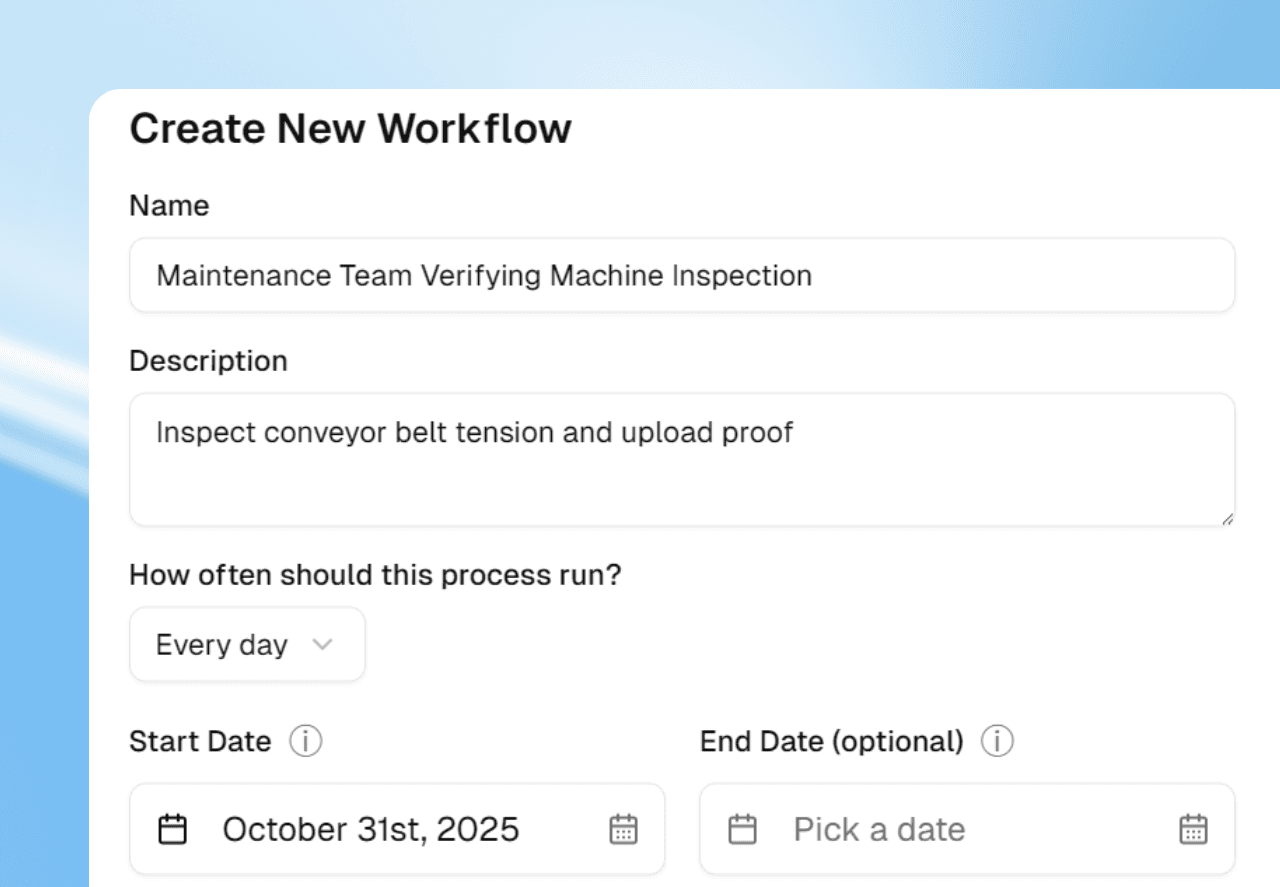
Maintenance teams uploading inspection photos and checklists
Retail or branches submitting store photos, merchandising proof, and daily closure reports
Facilities and HSE teams capturing safety checks with visual and form-based evidence
Result: Real-time verification, stronger compliance, and fewer “paper-only” inspections.
Why AI Validation Changes the Game
Consistency at Scale
Humans review inconsistently. Standards drift, especially under time pressure.
AI applies the same rules, every time, across:
Different managers
Different locations
Different time zones and shifts
That consistency is critical when you scale from tens to hundreds or thousands of employees.
Real-Time Feedback Instead of Delayed Rejection
Instead of discovering issues days later:
Employees get instant clarity on whether their proof is acceptable
They correct issues on the spot, while context is still fresh
Quality improves naturally over time because the system teaches what “good” looks like
This turns validation from a policing function into a continuous improvement loop.
Managers Focus on Exceptions, Not Everything
With AI handling the routine checks:
70–90% of compliant submissions can be auto-approved
Managers only review exceptions and edge cases
Leadership time shifts from “checking work” to improving work

Why Sharkforce Is Different
Most tools focus on time, attendance, or basic workflow routing.
Sharkforce focuses on proof.
Built for horizontal use: field, remote, and office teams on the same platform
Fully integrated with attendance, geofencing, and workflows, so validation is part of the flow—not an add-on
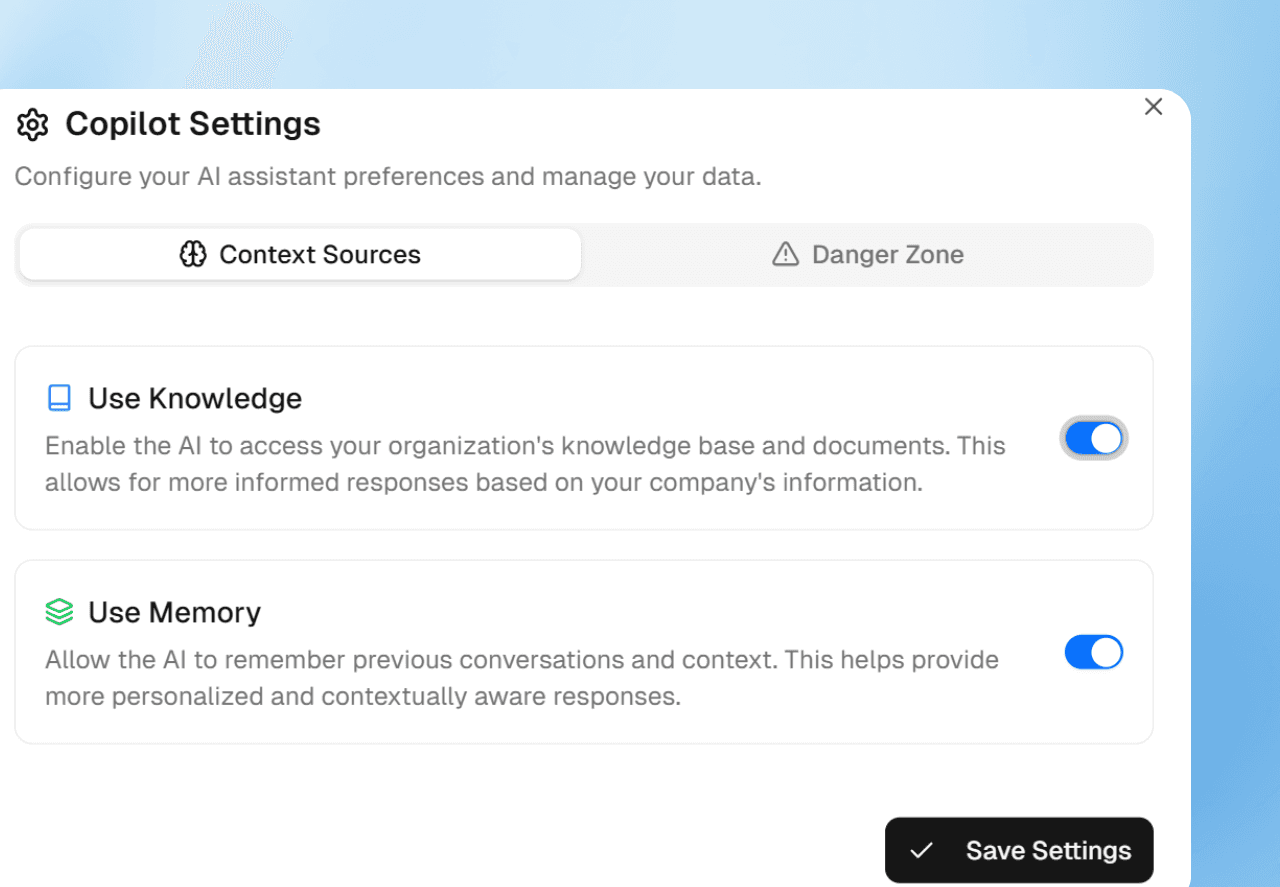
AI that learns from your specific tasks, SOPs, and documents, not just generic templates
Where other tools say “task completed,” Sharkforce says:
“Task completed, proof submitted, and validated against your standard.”
That’s a very different level of trust.

From “Task Assigned” to “Task Done (and Verified)”
If your teams are:
Constantly chasing updates and clarifications
Drowning in screenshots, PDFs, and Excel files
Relying on manual checks for critical workflows
Then you don’t just have a productivity problem, you have a trust problem.
AI task validation in Sharkforce fixes both.
Employees know exactly what “good” looks like.
Managers see which tasks are truly done, which are partially done, and which are blocked.
Leaders get a reliable, auditable picture of operations without adding more people to “check” work.
Try AI Task Validation with Sharkforce
Sharkforce helps you move from:
“We assigned it” → “We know it was done”
“We hope it’s correct” → “We’ve verified it against our standards”
“We review everything manually” → “We only review exceptions”
If you want your workflows to be actionable, auditable, and trusted, for desk teams, remote employees, and field staff, AI task validation is the lever.