Quick answer
AI task validation verifies that work was actually completed — not just marked done. Sharkforce uses AI to check photo proof, location data, and completion evidence against task requirements, so managers can trust their dashboards reflect real work, not just clicks.
AI Task Validation: Turn "Task Completed" into "Task Verified"
Task management tools are great at assigning work. The real challenge is proving that work was actually done, and done right.
Across office teams, remote employees, and field operations, managers keep asking the same questions:
- Did the task really happen, or did someone just click "complete"?
- Is this report, screenshot, or file actually good enough?
- Are we really compliant, or just hoping we are?
AI task validation in Sharkforce closes this gap. It doesn't just track tasks; it verifies the proof of work behind every task, so you can trust what your dashboards say.
What is AI Task Validation?
AI task validation is the missing layer between "Task Assigned" and "Task Approved."
Instead of simply checking that someone uploaded "something," Sharkforce's AI:
- Analyzes what was submitted (photos, PDFs, Excel, reports, forms)
- Compares it against your rules, SOPs, and standards
- Instantly determines whether the task is truly done, partially done, or not acceptable
This works across your entire workforce:
- Desk & office teams submitting reports, checklists, contracts, and documents
- Remote employees delivering project work, client updates, or digital assets
- Field staff capturing photos, inspection proofs, or on-site checklists
Same platform. Same logic. Different workflows.
AI Task Validation solves this. Our system reviews submissions from photos and PDFs to Excel files and any other format and automatically verifies completion with the strictness you require.
The Hidden Cost of Unverified Work
Most companies rely on a mix of manual reviews, trust, and "tick the box" workflows.
That leads to:
- Fake completion: Tasks marked "done" with low-quality or missing proof
- Compliance risk: Incomplete documentation that only shows up as a problem during audits or incidents
- Manager overload: Leaders acting as human validation engines, opening files, checking screenshots, reviewing documents all day
- Slow decisions: Work stalls while someone "reviews" yet another report or attachment
You already invested in workflow automation and task tools.
Without validation, they only tell you that something was submitted, not whether it was done correctly.
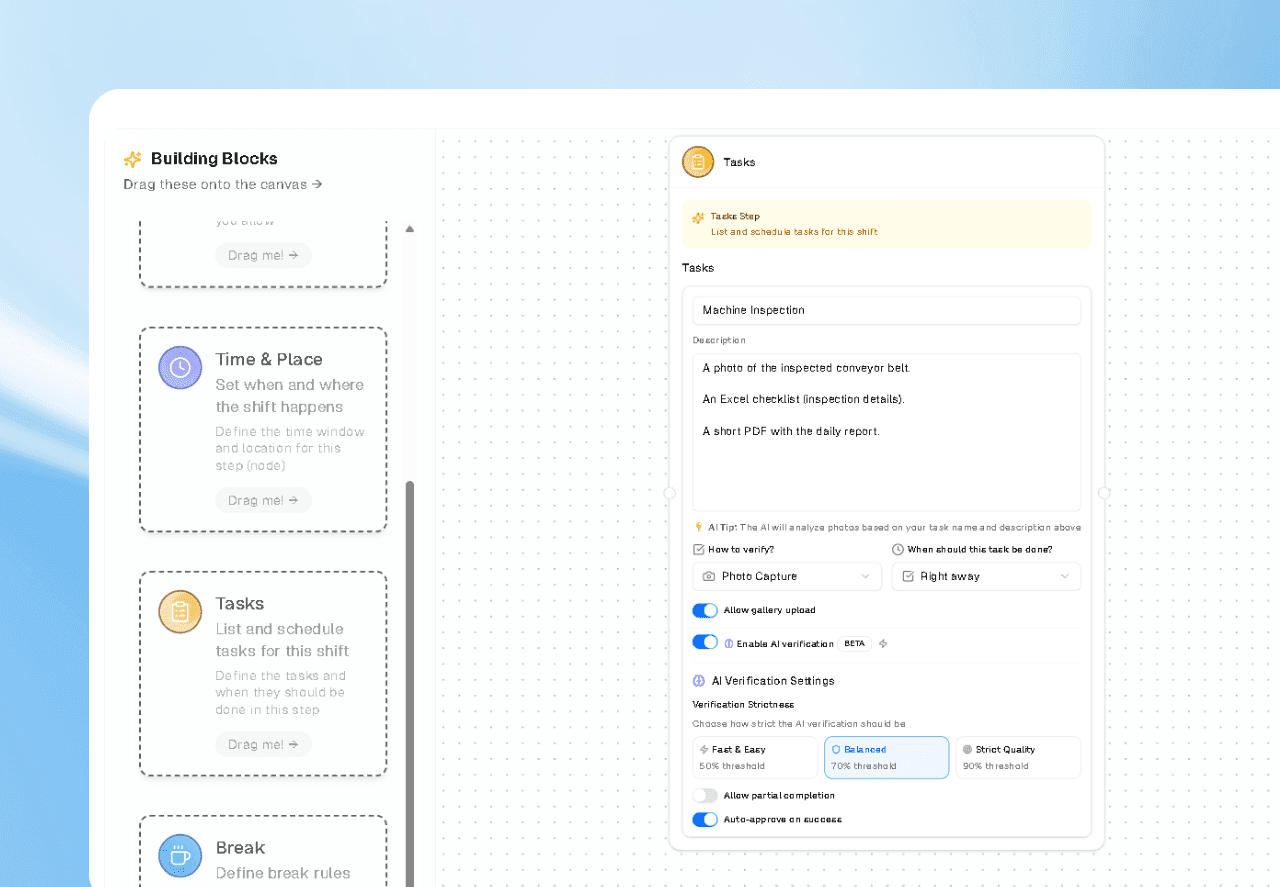
How Sharkforce AI Validates Tasks (Across Any Team)
Sharkforce embeds intelligent verification directly into how your workflows run, acting as the system where tasks are created, executed, and validated end to end.
1. Smart Input Recognition
Employees can submit proof in whatever format matches the task, from photos to documents, spreadsheets, forms, and structured data. This includes and not limited to:
- Media: photos and gallery uploads.
- Documents: PDFs, Word files, slide decks, scanned forms, and signed contracts.
- Data files: Excel, Sheets, CSV exports, and system-generated reports.
- Text & forms: structured forms, free-text reports, client notes, and QA checklists.
- System signals: check-ins, timestamps, location data, and other workflow events.
Sharkforce's AI recognizes the type of input and runs the right validation logic for each.
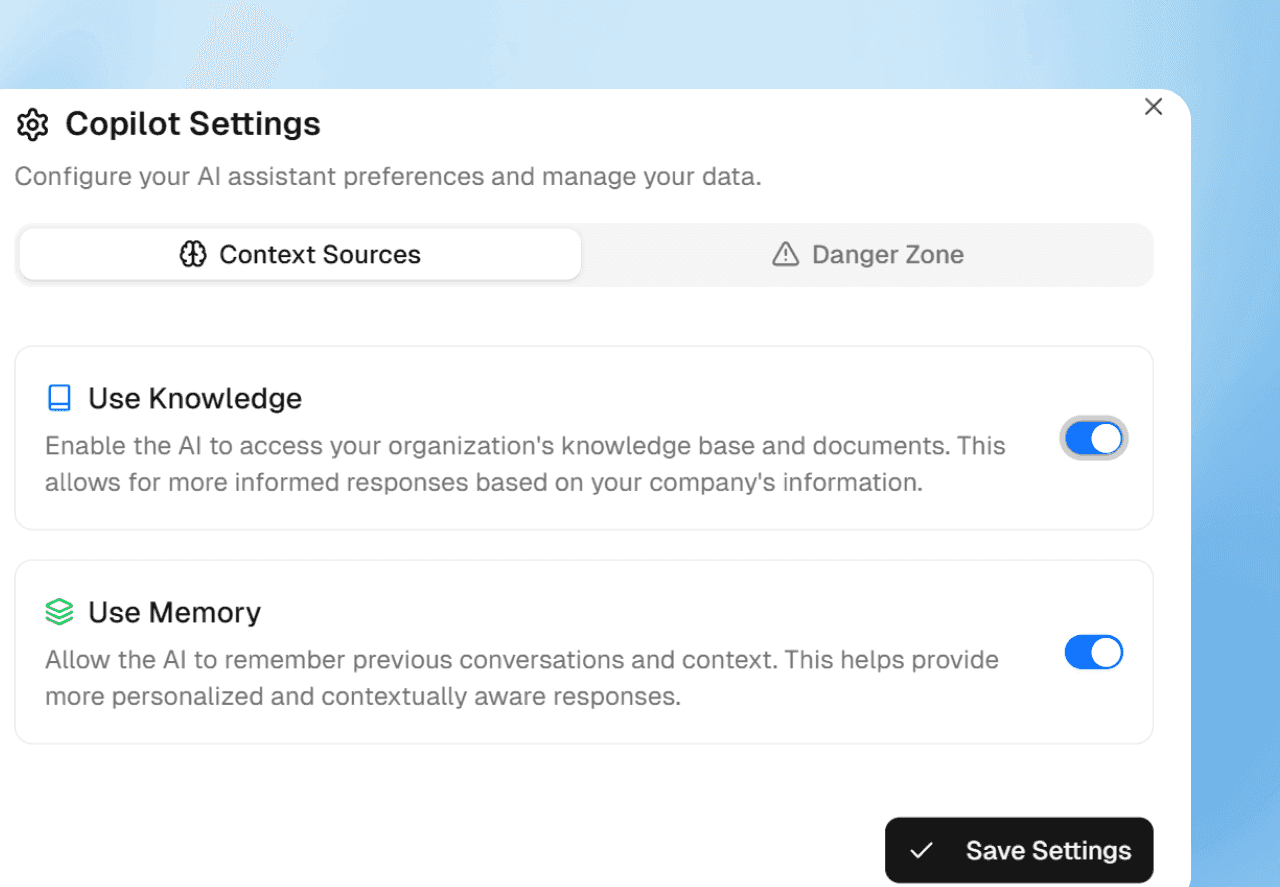
2. Photo & Media Validation
For visual tasks, whether it's a site photo, store display, equipment, or a whiteboard snapshot, AI analyzes the actual content of the image:
- Is the required object or area visible?
- Are safety or quality conditions clearly met?
- Are specific elements or tags present where they should be?
This is not just "image attached = pass." It's content-aware verification, mapped to your rules.
3. Document & Data Validation
For desk and remote employees, most proof lives in documents and data:
- AI checks Excel for required columns, filled rows, ranges, totals, or formats
- PDFs and documents are scanned for required sections, fields, signatures, or disclaimers
- Forms and text inputs are validated for completeness and structure
You define the rules; Sharkforce enforces them automatically.

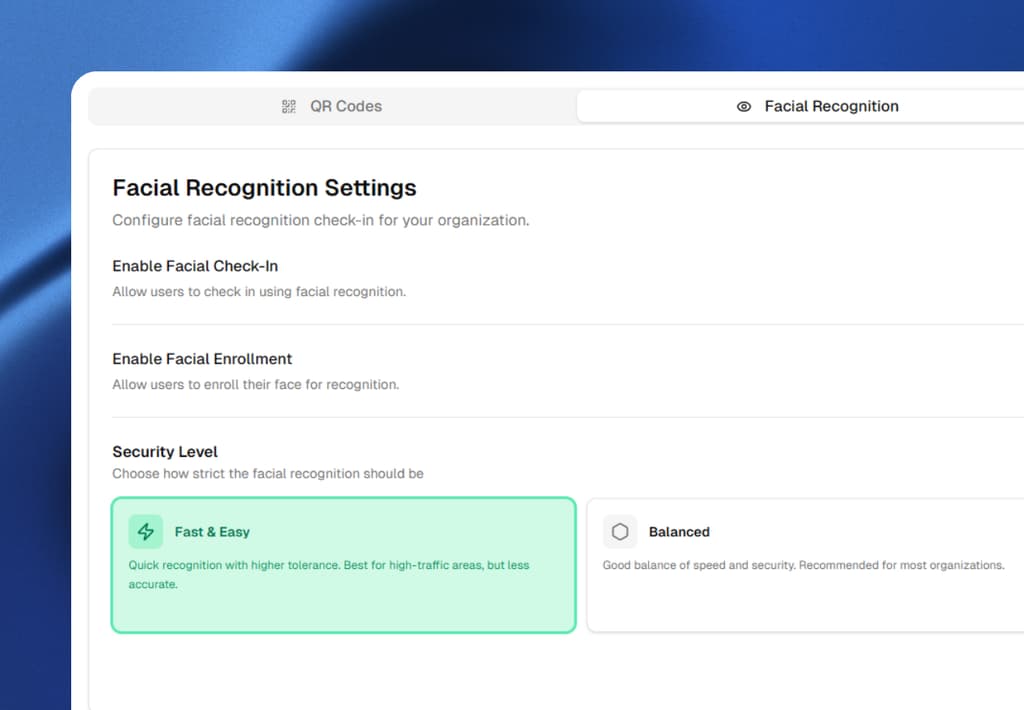
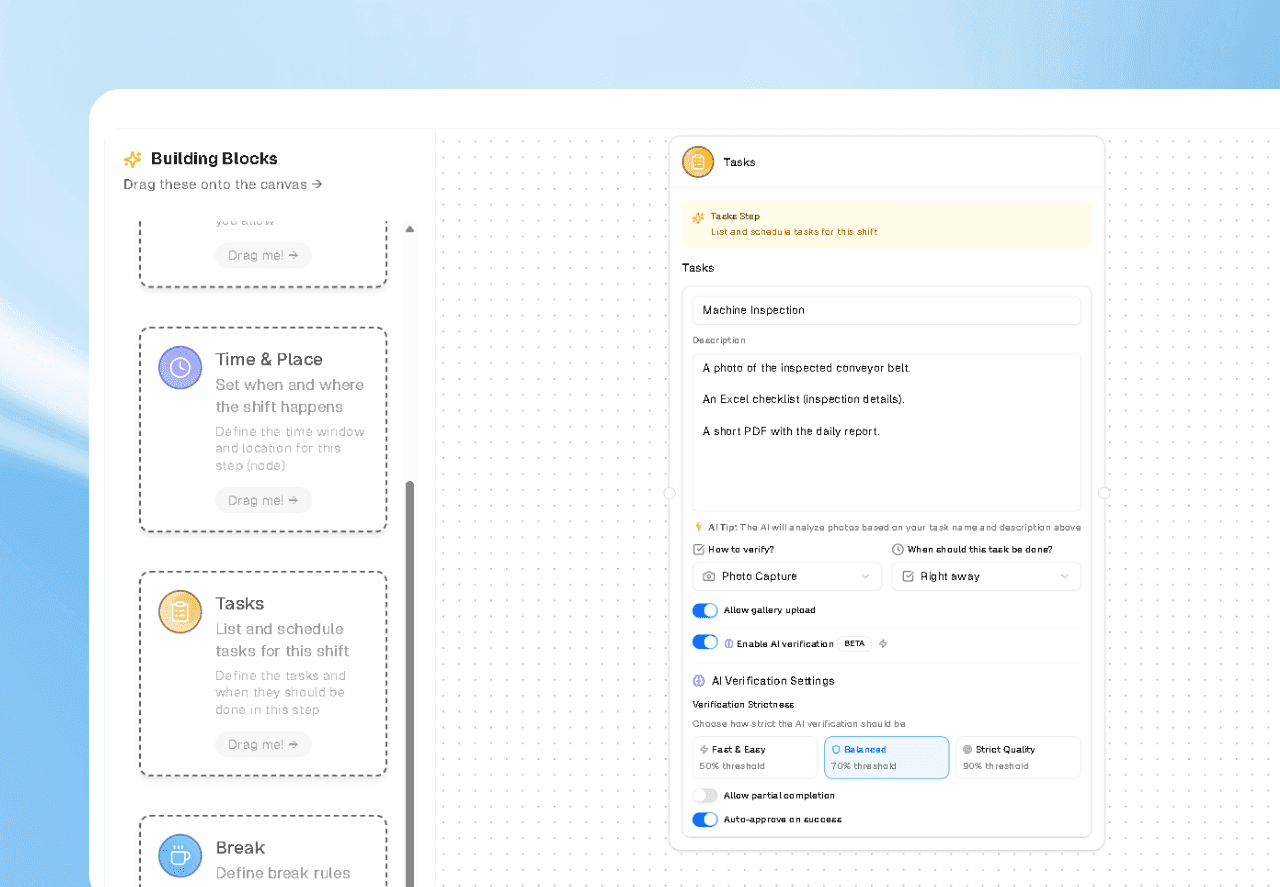
4. Configurable Strictness Levels
Not every task should be treated the same way. In Sharkforce you can set verification strictness per workflow:
- Fast & Easy: Light checks for low-risk, high-volume tasks (e.g., daily standup notes, minor updates)
- Balanced: Strong validation for operational tasks (e.g., reports, checklists, internal reviews)
- Strict Quality: Maximum rigor for high-risk or compliance-critical workflows (e.g., safety inspections, regulatory docs, financial controls)
This lets you align validation effort with business risk, not treat every task as equal.
5. Partial Completion & Actionable Feedback
Sometimes a task is not fully right but not fully wrong.
Instead of just failing the task, Sharkforce can:
- Mark it as partially completed
- Highlight what's missing or incorrect
- Give the employee instant feedback so they can fix it
This dramatically reduces back-and-forth and makes quality a built-in part of how people work.

Use Cases Across the Whole Organization
AI task validation is intentionally horizontal. It's not "just" for field inspections or blue-collar workflows.
Here's how different teams benefit:
Office & HQ Teams
- HR validating onboarding documents and policy acknowledgments
- Finance verifying that reports, reconciliations, or attachments meet format and completeness rules
- Compliance teams ensuring checklists and forms are properly filled, signed, and stored
Result: Less manual checking, fewer mistakes, better audit readiness.
Remote & Hybrid Teams
- Marketing, product, and operations teams submitting deliverables with structured acceptance criteria
- Customer success logging client updates and QBR documentation that must follow a specific template
- Remote managers getting a clear signal when deliverables meet expectations — without opening every file
Result: Less micromanagement, faster approvals, and clearer expectations for remote employees.
Field & Frontline Operations
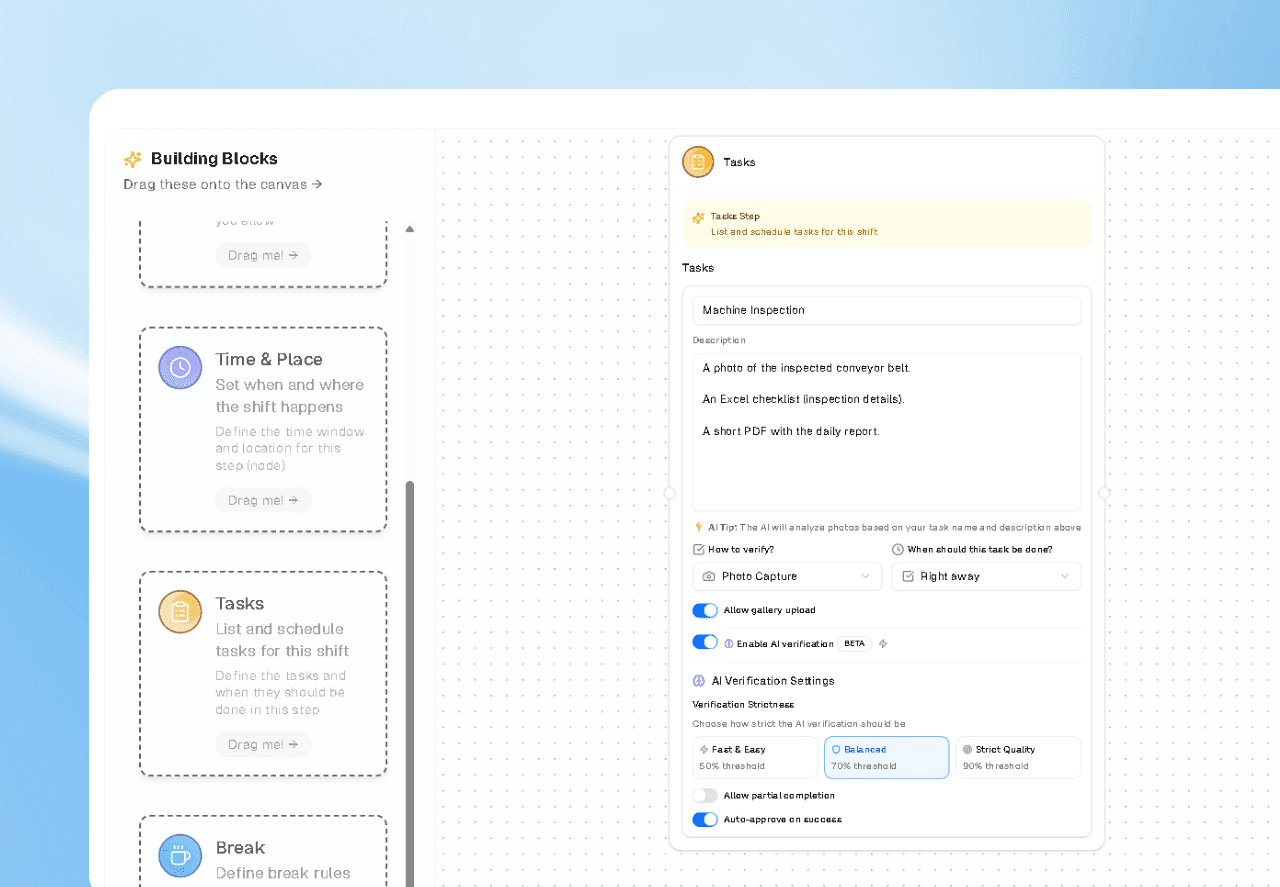
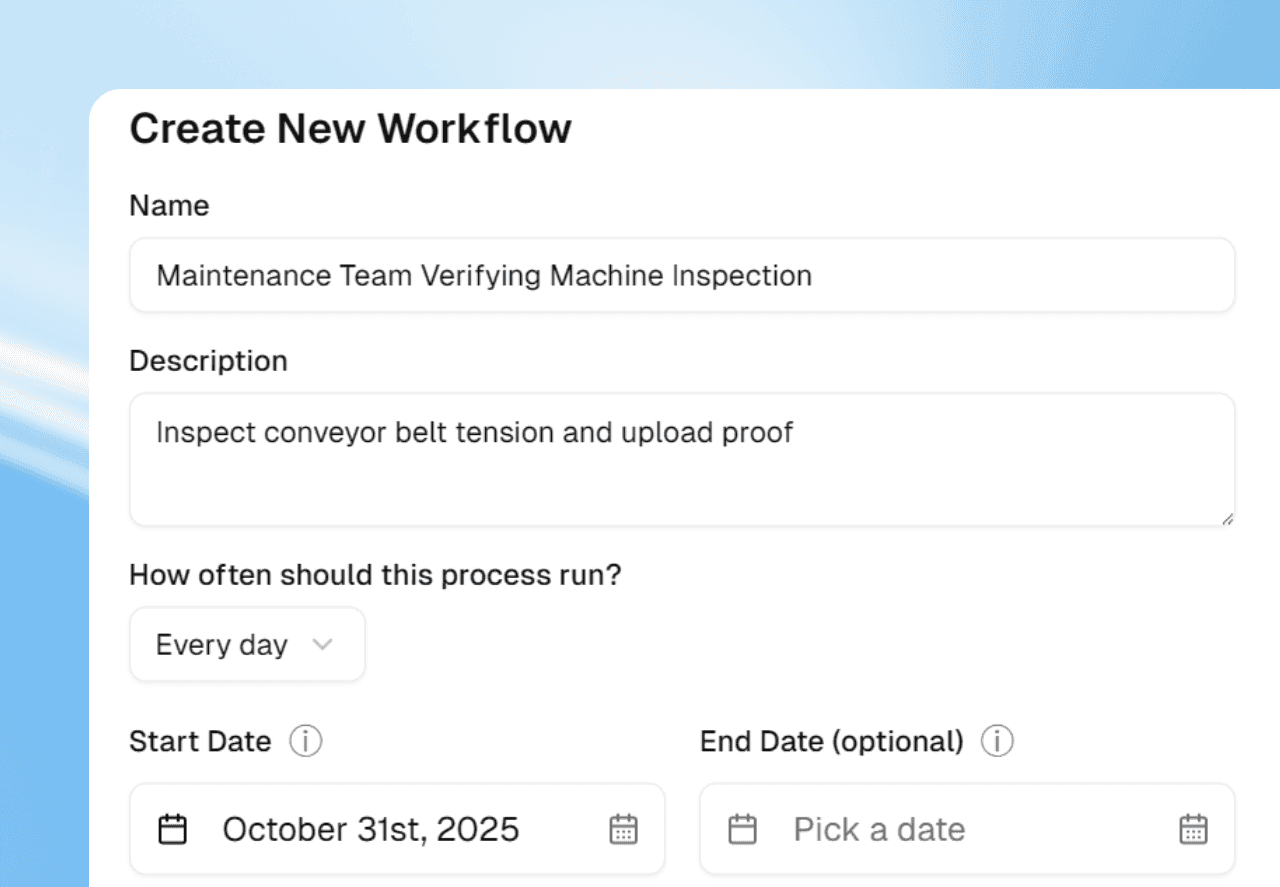
- Maintenance teams uploading inspection photos and checklists
- Retail or branches submitting store photos, merchandising proof, and daily closure reports
- Facilities and HSE teams capturing safety checks with visual and form-based evidence
Result: Real-time verification, stronger compliance, and fewer "paper-only" inspections.
Why AI Validation Changes the Game
Consistency at Scale
Humans review inconsistently. Standards drift, especially under time pressure.
AI applies the same rules, every time, across:
- Different managers
- Different locations
- Different time zones and shifts
That consistency is critical when you scale from tens to hundreds or thousands of employees.
Real-Time Feedback Instead of Delayed Rejection
Instead of discovering issues days later:
- Employees get instant clarity on whether their proof is acceptable
- They correct issues on the spot, while context is still fresh
- Quality improves naturally over time because the system teaches what "good" looks like
This turns validation from a policing function into a continuous improvement loop.
Managers Focus on Exceptions, Not Everything
With AI handling the routine checks:
- 70 – 90% of compliant submissions can be auto-approved
- Managers only review exceptions and edge cases
- Leadership time shifts from "checking work" to improving work
Why Sharkforce Is Different
Most tools focus on time, attendance, or basic workflow routing.
Sharkforce focuses on proof.
- Built for horizontal use: field, remote, and office teams on the same platform
- Fully integrated with attendance, geofencing, and workflows, so validation is part of the flow — not an add-on
- AI that learns from your specific tasks, SOPs, and documents, not just generic templates
Where other tools say "task completed," Sharkforce says:
"Task completed, proof submitted, and validated against your standard."
That's a very different level of trust.
From "Task Assigned" to "Task Done (and Verified)"
If your teams are:
- Constantly chasing updates and clarifications
- Drowning in screenshots, PDFs, and Excel files
- Relying on manual checks for critical workflows
Then you don't just have a productivity problem, you have a trust problem.
AI task validation in Sharkforce fixes both.
Employees know exactly what "good" looks like.
Managers see which tasks are truly done, which are partially done, and which are blocked.
Leaders get a reliable, auditable picture of operations without adding more people to "check" work.
Try AI Task Validation with Sharkforce
Sharkforce helps you move from:
- "We assigned it" → "We know it was done"
- "We hope it's correct" → "We've verified it against our standards"
- "We review everything manually" → "We only review exceptions"
If you want your workflows to be actionable, auditable, and trusted, for desk teams, remote employees, and field staff, AI task validation is the lever.
How accurate is AI task validation?
Accuracy depends on three things: the quality of the rules you define, the quality of the proof employees submit, and the strictness level you set per workflow. With well-defined rules and reasonable submission quality, AI validation reliably catches the most common failure modes—missing fields, wrong format, incomplete photo evidence, blank rows in a required column—and does it consistently across every manager, location, and shift.
The right way to think about accuracy is not “will the AI ever be wrong?” but “is the AI more consistent than a tired manager reviewing 80 submissions on a Friday afternoon?” In practice, the answer is yes—and the AI never has an off day.
Common rollout mistakes to avoid
- Starting on Strict for every workflow. Maximum rigor on a low-risk daily update produces false rejects and erodes trust in the system before it earns any. Start on Balanced and tighten only the workflows that genuinely need Strict.
- Vague rules. “Photo must show the kitchen” is not a rule; “photo must show the stove, the sink, and the floor with no visible debris” is. The AI can only enforce what you actually define.
- No human exception path. Some submissions will be genuinely ambiguous. Without a one-click “send to manager” path, employees get stuck and start gaming the system to avoid the AI.
- Using AI validation as a performance weapon. The system is a quality loop, not a surveillance tool. If employees experience it as punishment, they will optimize for passing the AI instead of doing the work well.
FAQ
Frequently Asked Questions
What is AI task validation?
AI task validation is the verification layer between "task assigned" and "task approved." Instead of only checking that an employee uploaded something, the AI analyzes the submitted proof (photos, PDFs, Excel files, forms, system signals) against your defined rules and standards, then decides whether the task is truly done, partially done, or not acceptable — in seconds, not days.
How does AI task validation handle photos?
For visual tasks the AI performs content-aware verification: it checks whether the required object or area is visible, whether safety or quality conditions are clearly met, and whether specific elements or tags are present where they should be. This is not "image attached = pass" — the image is actually analyzed against your rules.
Can AI task validation check Excel and PDF files?
Yes. The AI checks Excel for required columns, filled rows, ranges, totals, or formats. PDFs and documents are scanned for required sections, fields, signatures, or disclaimers. Forms and text inputs are validated for completeness and structure. You define the rules per workflow; Sharkforce enforces them automatically.
What happens when a task is only partially correct?
Instead of just failing the task, Sharkforce can mark it as partially completed, highlight what is missing or incorrect, and give the employee instant feedback so they can fix it on the spot. This dramatically reduces back-and-forth and turns validation into a continuous improvement loop instead of a delayed rejection.
How strict should AI task validation be?
It depends on the business risk of the workflow. Use Fast & Easy for low-risk, high-volume tasks (daily standup notes, minor updates). Use Balanced for operational tasks (reports, checklists, internal reviews). Use Strict Quality for high-risk or compliance-critical workflows (safety inspections, regulatory docs, financial controls). Align validation effort with risk, not with a one-size-fits-all setting.
Does AI task validation replace managers?
No — it focuses them. With AI handling routine checks, 70–90% of compliant submissions can be auto-approved and managers only review exceptions and edge cases. Leadership time shifts from "checking work" to "improving work." The manager is still the decision-maker for anything ambiguous.
Is AI task validation only for field teams?
No. It is intentionally horizontal. Office and HQ teams use it for HR onboarding docs, finance reports, and compliance checklists. Remote and hybrid teams use it for deliverables with structured acceptance criteria. Field and frontline teams use it for inspection photos, store walks, and safety checks. Same platform, same logic, different workflows.
Stop reviewing every submission. Start reviewing only the exceptions.
Sharkforce's AI task validation checks photos, documents, and data the moment they arrive — so employees get instant feedback and managers only see the work that actually needs a human. Start free or book a demo to see the full flow.