GPS Geofencing
Draw the boundary. Get proof.
Mark your work sites with GPS zones. Mako verifies arrivals and departures. Clear records.

One Zone. Real Accountability.
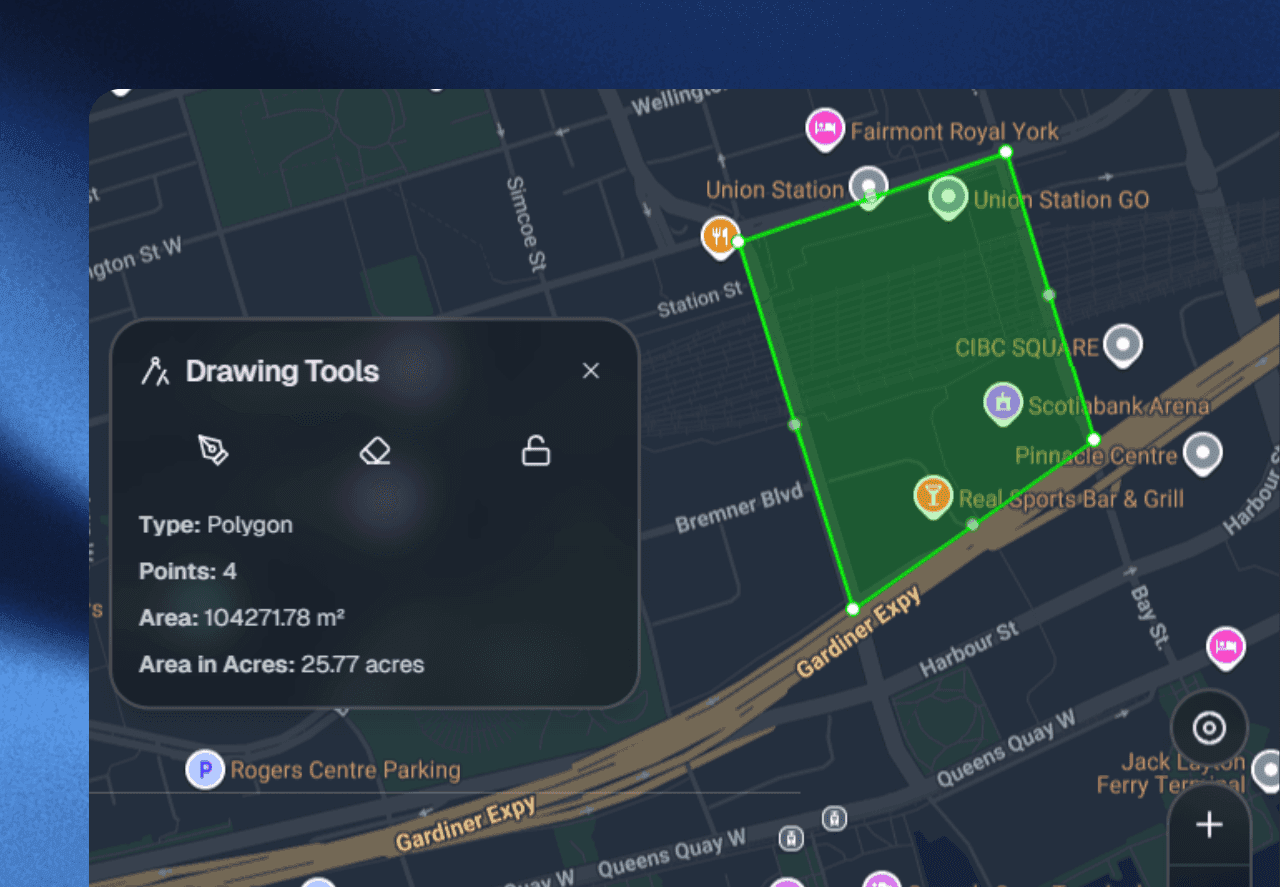
Draw zones around your sites. Mako logs arrivals and departures in real time. No guesswork. No buddy locations. Just GPS-backed facts.
What It Does
Real Location Records
Draw Your Sites
Sketch boundaries around any location. Offices, job sites, warehouses, any shape. No pre-set sizes.
Track Every Arrival
Instant alerts when your team enters or exits. Track presence throughout the shift. Perfect for on-site compliance and distributed teams.
Instant Control
Create, edit, or remove zones in seconds. Change rules on the fly. No IT tickets needed.
Real-Time Events
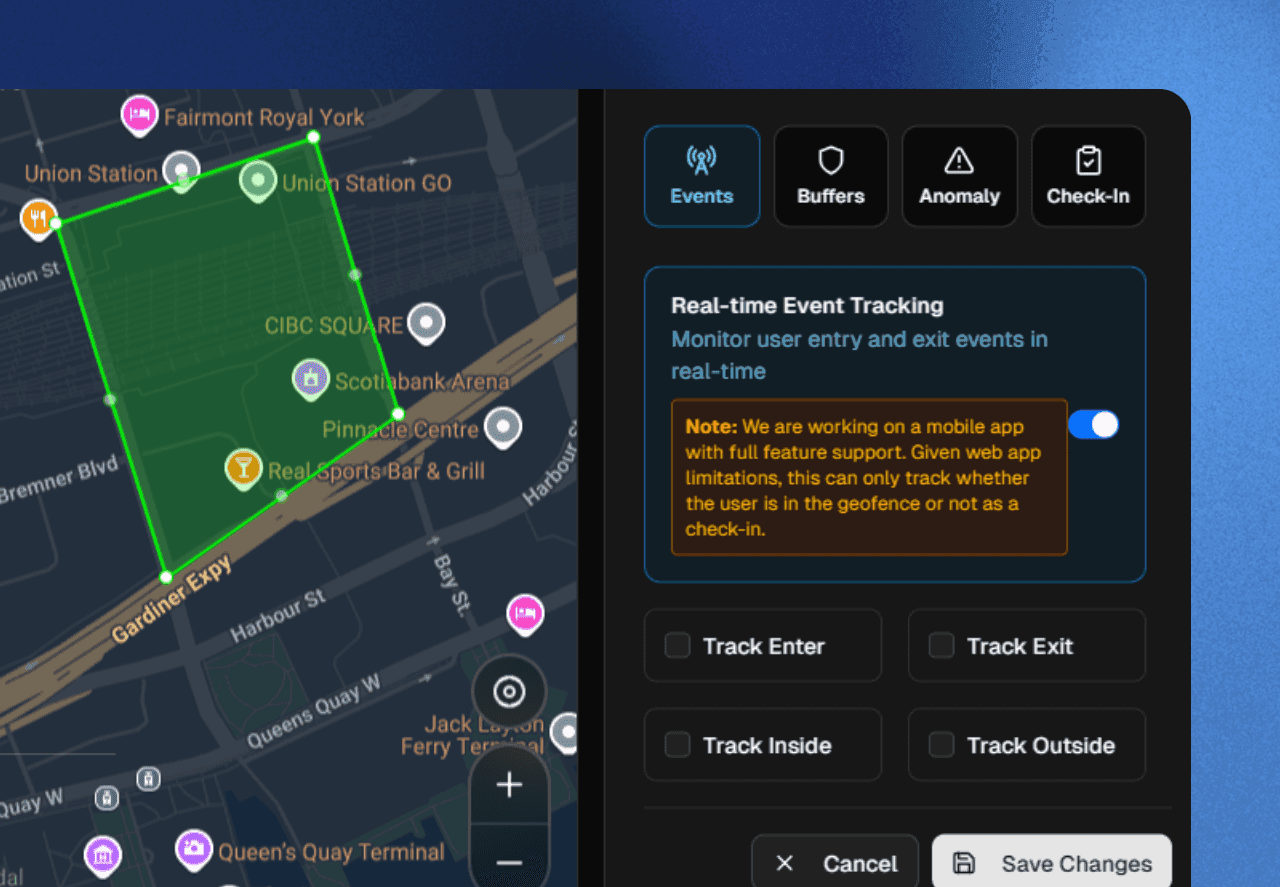
Monitor entries and exits as they happen. Exact times. Every crossing logged.
Proof they were there. That's all.
Location verification protects honest employees and reduces disputes with clear, timestamped records.
This protects honest employees and reduces disputes.

Everything for Location Tracking
Any Shape
Draw custom zones that fit your exact sites. Polygons, rectangles, any boundary you need.
Entry & Exit Alerts
Know the moment someone arrives or leaves. Instant alerts. Event logs for every crossing.
Continuous Proof
Prove they're there throughout the shift. Not just a single check-in.
Auto Check-In
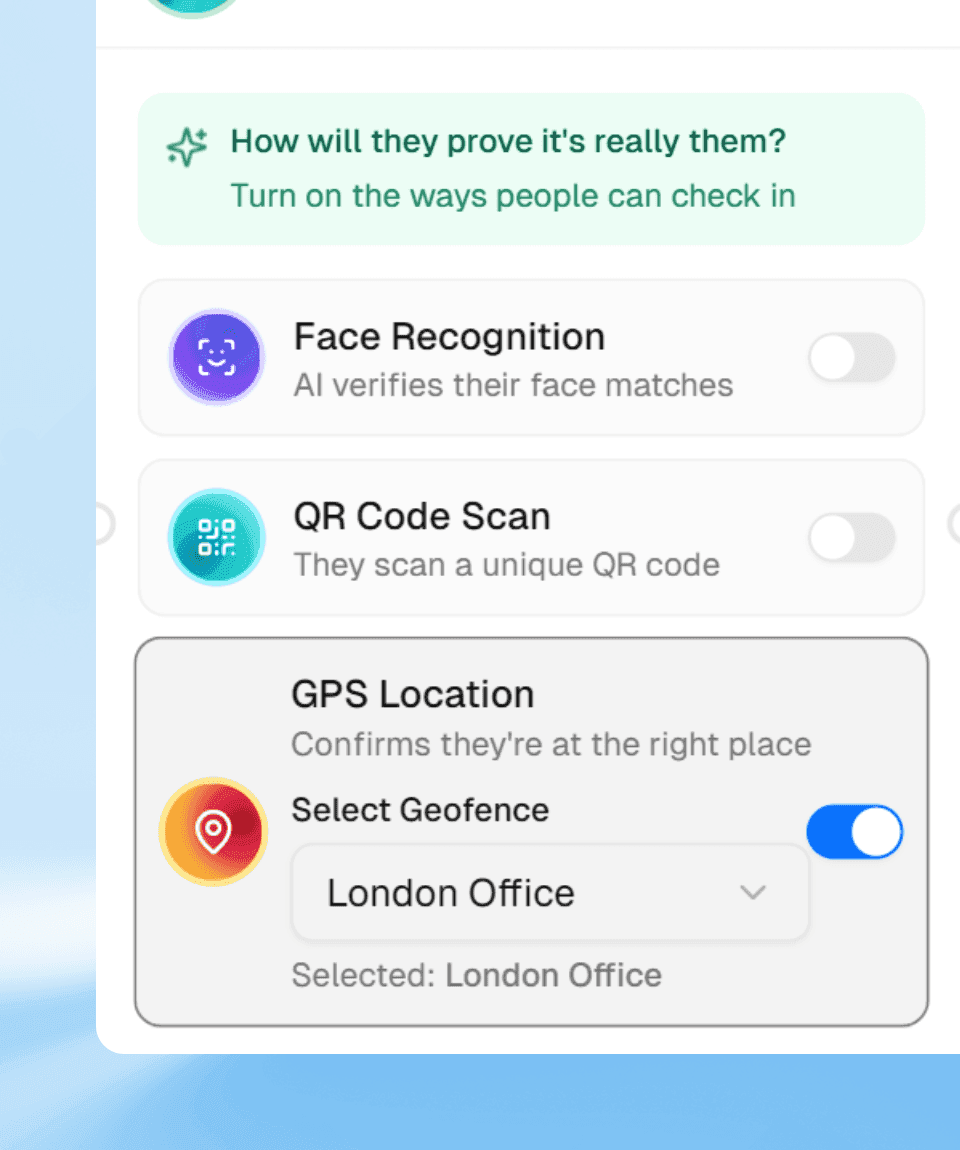
Walk in, clock in. No extra steps. Just presence.
Simple Setup
Draw zones, save, done. Create, edit, remove in a few taps.
Questions
Can I draw custom zone shapes?
Yes. Draw any polygon on the map: offices, sites, warehouses, any boundary. No fixed sizes.
Does geofencing work on the web app?
Web app tracks inside/outside. Mobile app includes full features: continuous tracking and auto check-in.
What happens when someone enters a zone?
You control it. Auto check-in, alerts, event logging, or workflow actions. Configure per zone.
Can I use buffer zones?
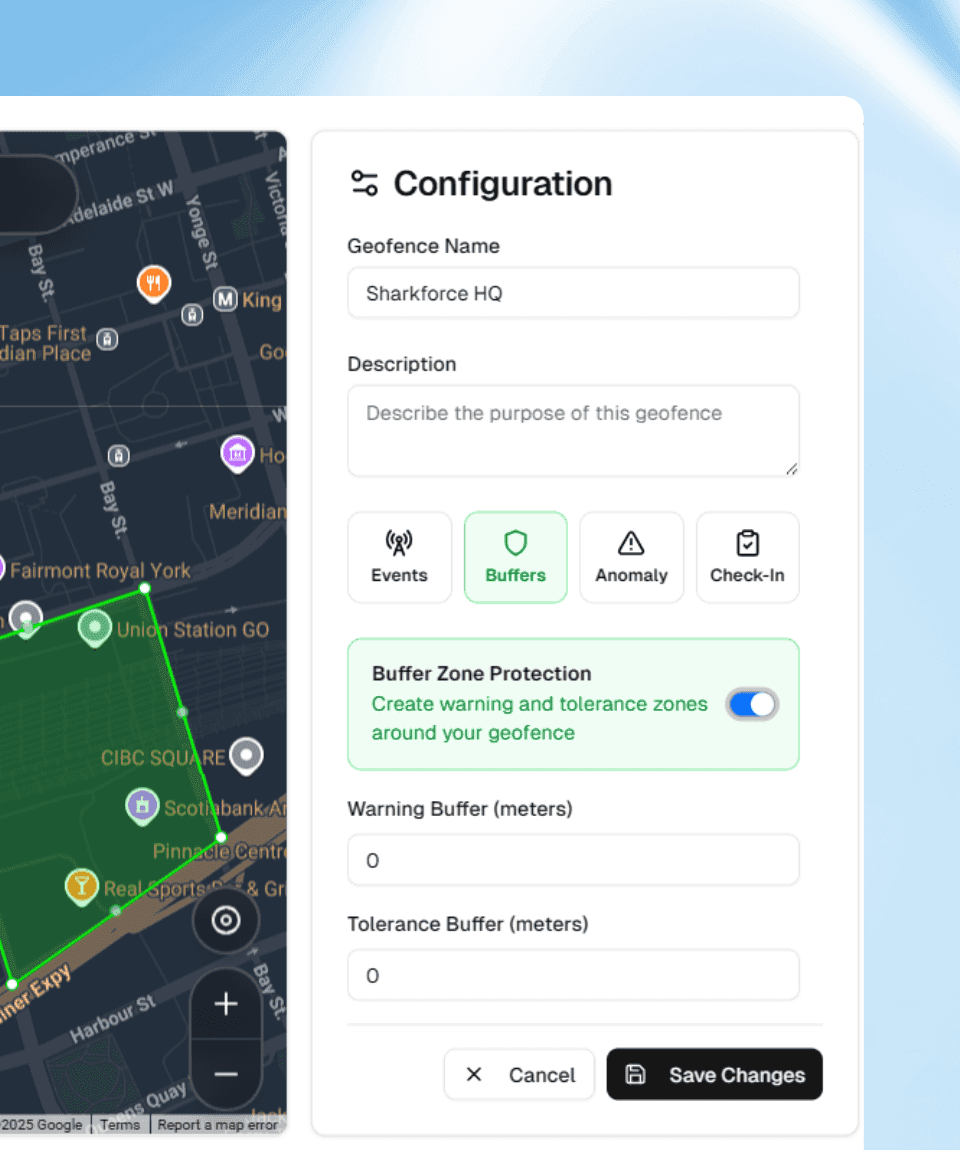
Yes. Create warning and tolerance zones around your geofence with configurable buffer distances in meters.
Now you know.
Try Sharkforce free or talk to sales in 30 minutes.