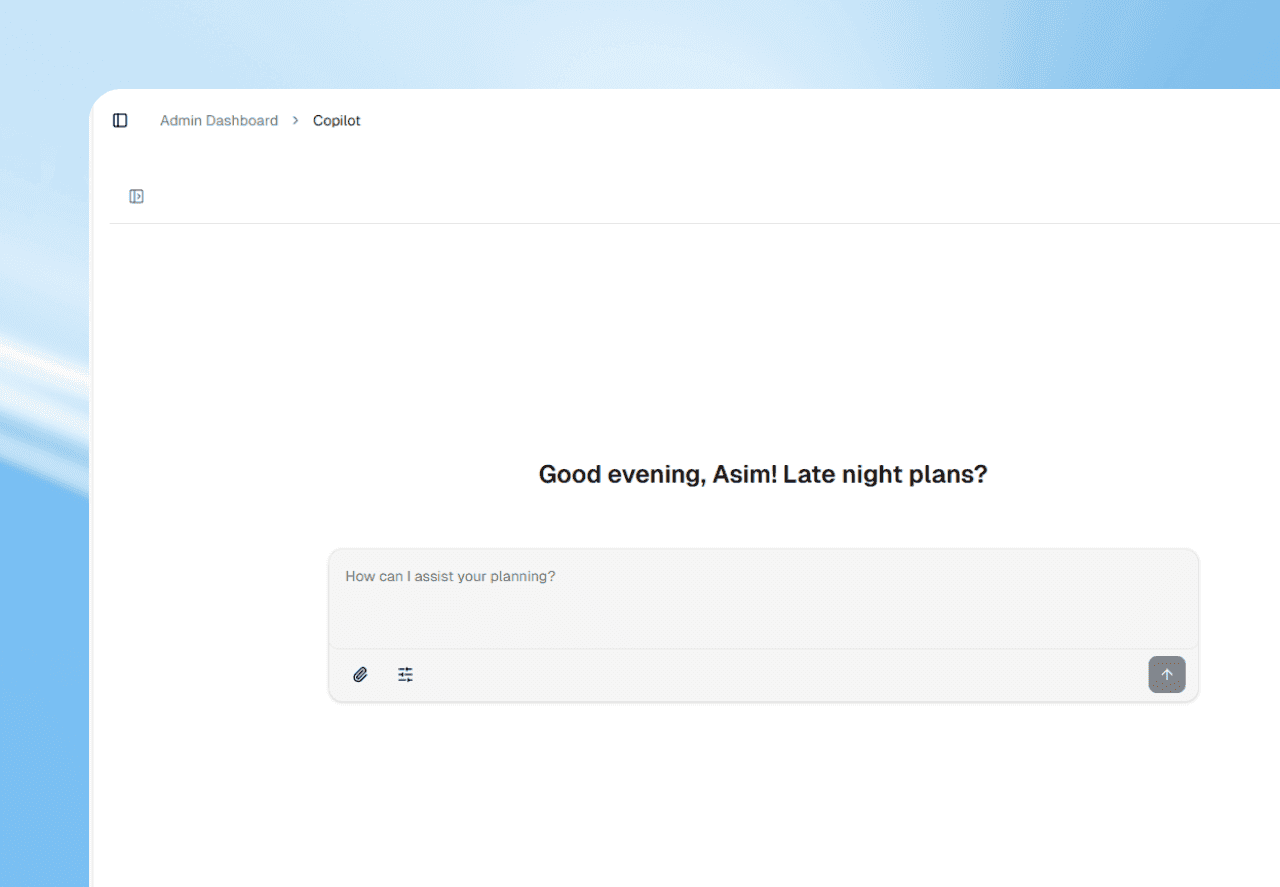
Open Mako in your workspace and type your question in plain Arabic or English. Mako reads your shifts, people and attendance. For today it names the people, and for longer periods it gives totals and rates.
Ask instead of digging
Most questions about a team are simple. The answer is usually three clicks deep, behind a date range and a filter.
Mako, the AI assistant in Sharkforce, lets you skip that. You type the question, and it looks through your workspace for you.
Questions you can ask
About today
- Who is present today?
- Who is absent today?
- Which requests wait for me?
About the week
- How many hours did we work this week?
- What share of their shifts did each person complete this month?
- Make a PDF of this week's attendance totals.
For today's attendance, Mako names the people. For longer periods it gives totals and rates.
Arabic or English, as you like
Write the way you speak. You don't need special words or a fixed format, and Arabic and English both work.
Questions about your own rules
Some answers depend on your policies, not your records. On the Business plan, you can add documents to your knowledge base.
With Documents on in Mako settings (on by default), Mako reads those documents when it answers. Then a question about your break policy gets your answer.
Check what Mako tells you
Answers about your team come from records in Sharkforce. When an answer matters, such as before payroll, open the shift and look.
If an answer looks wrong, ask again with more detail. Name the person or the dates you mean.
Tips for better answers
- 1Say the time. Today, this week or a date range gives a clearer answer than no time at all.
- 2Name the person. Use the same names your team has in Sharkforce.
- 3Ask one thing at a time. Two short questions get cleaner answers than one long one.
When you want Mako to prepare something, not just answer, see how Mako asks before it acts.