Sharkforce v0.2: a new engine for running your shifts
What changed in Sharkforce v0.2: Mako, payroll, documents, AI task validation, location check-in, the app and settings.
14 min read
Sharkforce v0.2 rebuilds the product around Mako, the AI assistant inside Sharkforce. It adds payroll for Saudi Arabia, Canada and the US, documents, a rebuilt AI task validation and new location zones.
We were quiet for a while because we were rebuilding. This release changes how most of Sharkforce works, so here is a short tour.
Why shift work needs its own assistant
Running a team on shifts is a narrow job. You check who came, whether the work was done, and what to pay. General chat tools don't know your shifts.
Meet Mako
Searching who is late
Ask Mako about your shifts in plain words.
Mako is the AI assistant inside Sharkforce. You ask in plain words, in Arabic or English, about your shifts, people and records.
It answers from your own workspace data. Mako asks before it saves a new shift, and before it makes a PDF report.
Payroll for three countries
View official source
Approved hours become a payroll run.
Sharkforce Payroll now works out gross to net from approved hours for Saudi Arabia, Canada and the United States.
Saudi Arabia: GOSI with its wage ceiling.
Canada: CPP, EI and income tax.
United States: federal and state tax.
A second person approves each run. You export a payroll register, pay stubs and bank files. These are NACHA for the US, the WPS list for Mudad, and a CSV for Canada. Sharkforce doesn't move the money itself.
Documents, formerly the knowledge base
Drag and drop files here
or click to browse from your computer
Select Files
PDF, DOCX, TXT, MD|JPG, PNG, WebP, HEIC
Late Arrival Policy.pdfReady
QR Check-In SOP.pdfReady
Shift Escalation Guide.docxReady
PDFLate Arrival Policy.pdf
Your own policies, ready for Mako to read.
The knowledge base is now called Documents. Upload your procedures, checklists and policies, and choose who can see each file or folder.
Mako can read these files when your team asks it a question. Answers then come from your rules, not from a guess. Documents is included from the Pro plan.
To send a document to someone outside your team and see what they read, use Docshark. It is included on Business and Enterprise.
AI task validation, rebuilt
Run AI check
AI Task Validation
Storefront.jpg
Safety form.pdf
Shelf.jpg
A task photo checked against what the task asked for.
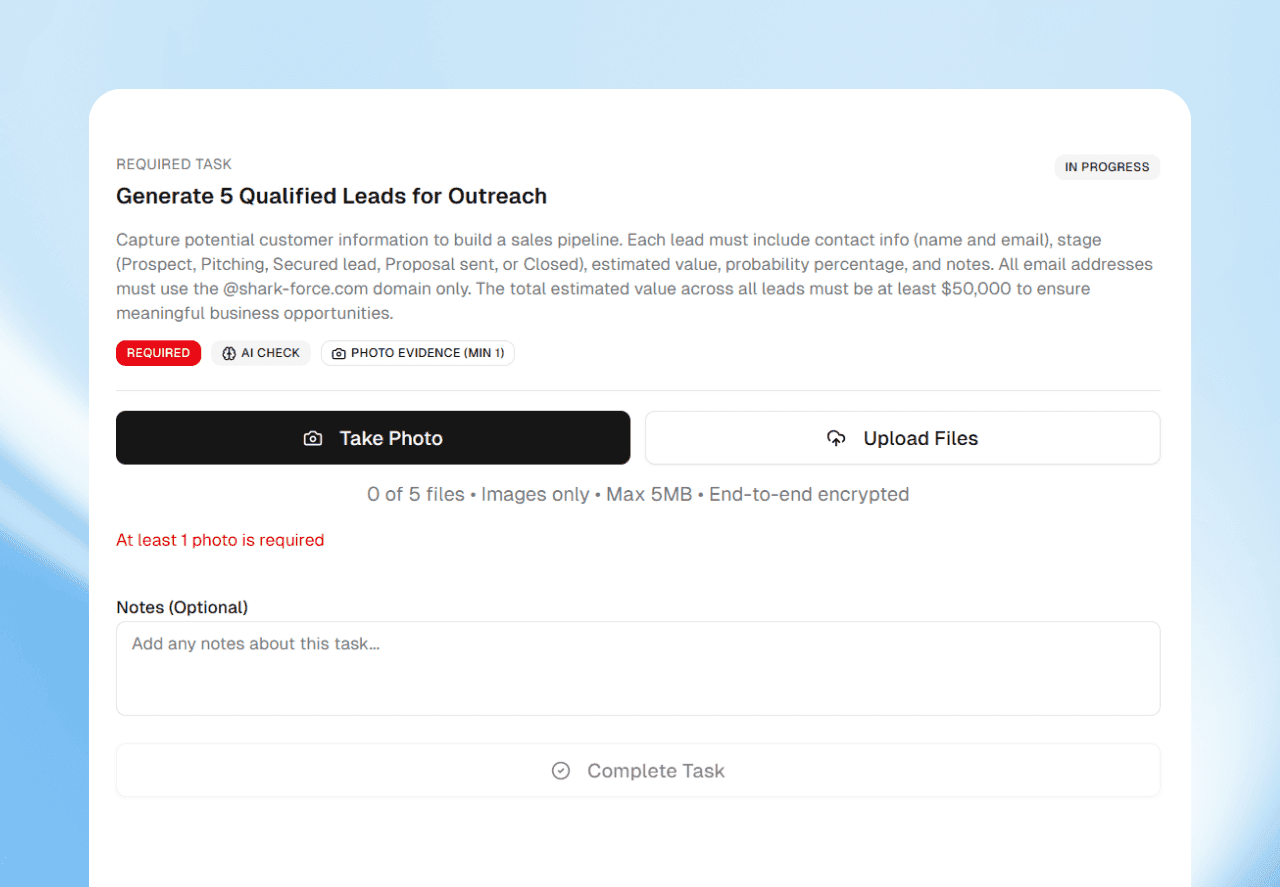
AI task validation has a new engine. It checks each task photo against what the task asked for.
Each photo is approved or sent back with a reason. A photo that repeats one sent in your workspace in the last 30 days is refused. AI task validation starts on the Pro plan.
Location check-in, rebuilt
Watch zone event
Toronto Office
Live geofence event
A zone on the map, and who is inside it.
Draw a zone as an outline on a map. The worker taps Verify Location in the app, and only a check-in inside the zone, or within its small margin, counts.
Far from the zone, the app says no and shows the distance. If the GPS signal is too weak, the check-in is refused and the app asks them to move and try again.
A rebuild of Sharkforce around Mako. It adds payroll for three countries, Documents, a rebuilt AI task validation, new location zones and one place for settings.
What is Mako?
The AI assistant inside Sharkforce. You ask it about your shifts and people in Arabic or English, and it answers from your workspace data.
Which countries does payroll support?
Saudi Arabia, Canada and the United States. A second person approves each run. Sharkforce exports NACHA for the US, a WPS list for Mudad, and a CSV for Canadian bank portals.
Is Docshark part of v0.2?
Docshark is a separate product from the same team. It is included on Sharkforce Business and Enterprise for sending, reading and signing documents.